Google Review QR Codes: The Complete Guide to More (and Better) Reviews
Reviews decide which local business gets the call — and the gap between asking and getting is mostly friction. A Google review QR code removes that friction: one scan lands the customer on your review form while the good experience is still fresh. Here is how to place it, phrase it and time it for maximum honest reviews.

- The official Business Profile review link, encoded in a QR code, cuts the review journey to one scan.
- Place codes at satisfaction peaks: till, table, box, invoice, exit.
- Ask once, in one human sentence, right after a good moment — then reply to every review.
- Never incentivise or gate reviews; the QR code is compliant because it only removes friction.

How a Google review QR code works
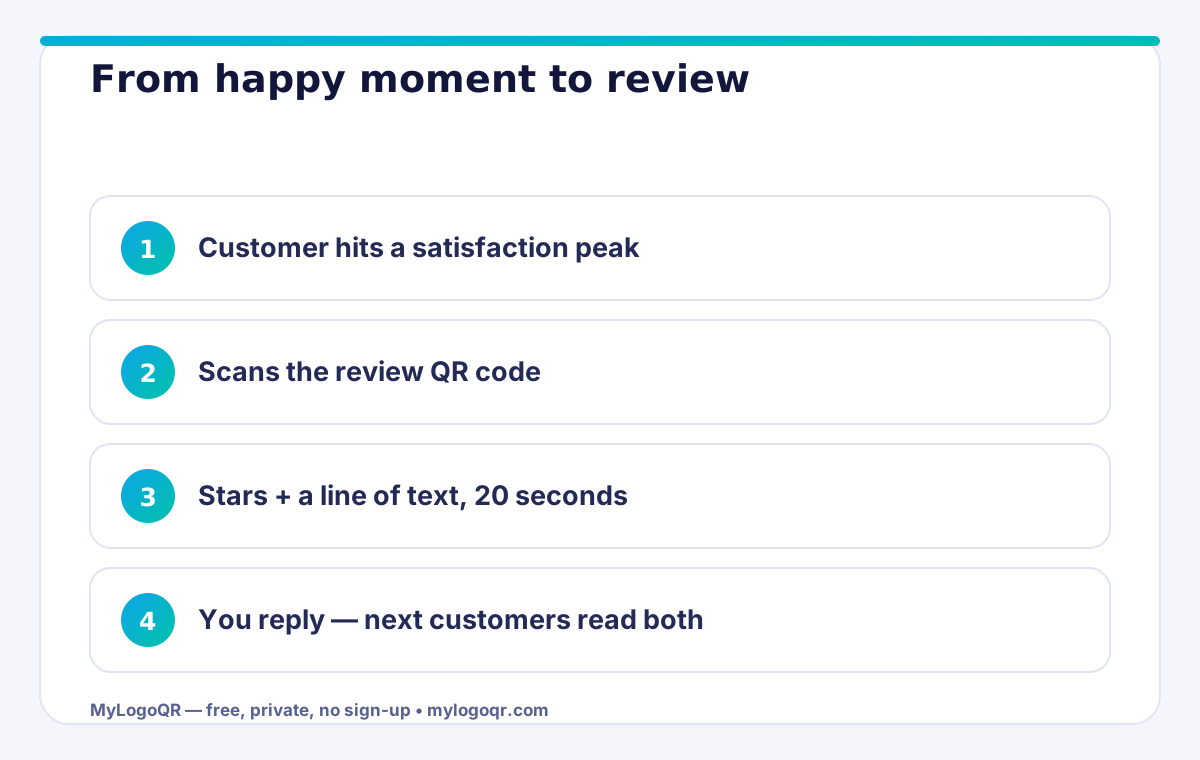
Every Google Business Profile has a review link — a short URL that opens the 'write a review' box for your business directly. Encode that link in a QR code and the customer's journey shrinks from 'search for us, find the listing, tap reviews, tap the stars' to 'scan, tap stars, write'. Each removed step measurably raises completion, because most lost reviews are not refusals — they are interruptions. Generate yours with the Google Reviews QR code generator, add your logo, and the code itself becomes a branded fixture of your premises.
Get the link from your Business Profile dashboard (the 'Ask for reviews' share button) rather than copying a search-results URL — the official share link is stable, short and lands exactly on the review form.

Placement: the five surfaces that produce reviews
Reviews are earned at moments of satisfaction, so place codes where satisfaction peaks. The till point or receipt, where a completed purchase is still warm. The table or service chair, where a happy customer sits with time on their hands. The delivery box or takeaway bag, opened at home in a good mood. The follow-up card or invoice, for trades and services whose quality shows over days. And the exit door, the last impression on the way out. Each surface deserves its own code with its own wording, so you can see which moments actually convert.
- Till/receipt: 'Happy with it? Tell Google in 20 seconds'
- Table/chair: code on the tent with the menu code, clearly separated
- Delivery box: 'Loved it? A review helps our small team'
- Invoice/follow-up: ask after the result is visible, not before
The ask: wording and timing that feel human
People review experiences, not requests. The highest-converting asks are short, specific and timed right after a compliment, a laugh, or a problem solved well. Train the team on one sentence — 'If we earned it, a Google review helps us more than ads' — and let the code do the rest. Never hover while they write, never dictate the content, and accept every rating with grace: a thoughtful reply to a 3-star review persuades future readers more than a wall of perfect scores.
Reply to every review, always. The reply is read by the next hundred customers, not just the reviewer, and it is your only voice in the conversation. Thank specifically, own problems plainly, and invite people back — that pattern quietly turns your review page into your best sales page.
The rules: what Google prohibits (read this before incentivising)
Google's policies draw bright lines. Never offer discounts, gifts or entries in exchange for reviews. Never gate reviews — sending only happy customers to Google while diverting unhappy ones elsewhere ('review gating') is prohibited and detectable. Never write, buy or ask staff and family to post reviews. And never set up a review station that pressures customers on the spot. A QR code is fully compliant precisely because it merely shortens the path for a voluntary, unguided review.
Stay inside those lines and the system compounds safely: more reviews, a richer profile, better local visibility, more customers — who then review. It is the rarest flywheel in local marketing: one that gets stronger the longer it runs honestly.
Related Technical Guides
Frequently asked questions
How do I get my Google review link for a QR code?
Open your Google Business Profile dashboard and use 'Ask for reviews' — Google gives you a short share link that opens your review form directly. Paste that link into the generator.
Can I offer a discount for leaving a review via QR code?
No. Incentivised reviews violate Google's policy and can get reviews removed or the profile penalised. You may ask politely and make it easy — the reward must be nothing more than thanks.
Where does a review QR code work best?
At the moment of satisfaction closest to the experience: the till, the table, the delivery box and the follow-up invoice consistently outperform generic wall posters.