QR Codes for Small Business: The Complete Guide to Doing It Right First Time
A small business does not need thirty QR codes. It needs seven, each with one job, placed where customers already pause. This pillar guide walks the full set — reviews, menu or catalogue, WhatsApp, Wi-Fi, payments and social, feedback, and the humble contact card — with the placement and wording for each.

- Seven codes cover a small business: reviews, menu, WhatsApp, Wi-Fi, payment/booking, social, vCard.
- Place codes at journey pauses — door, counter, seating, product, exit, bag.
- Brand every code, add a five-word promise, and keep a master register of destinations.
- Measure monthly with per-placement codes and improve the weakest one first.

The starter seven: one code, one job
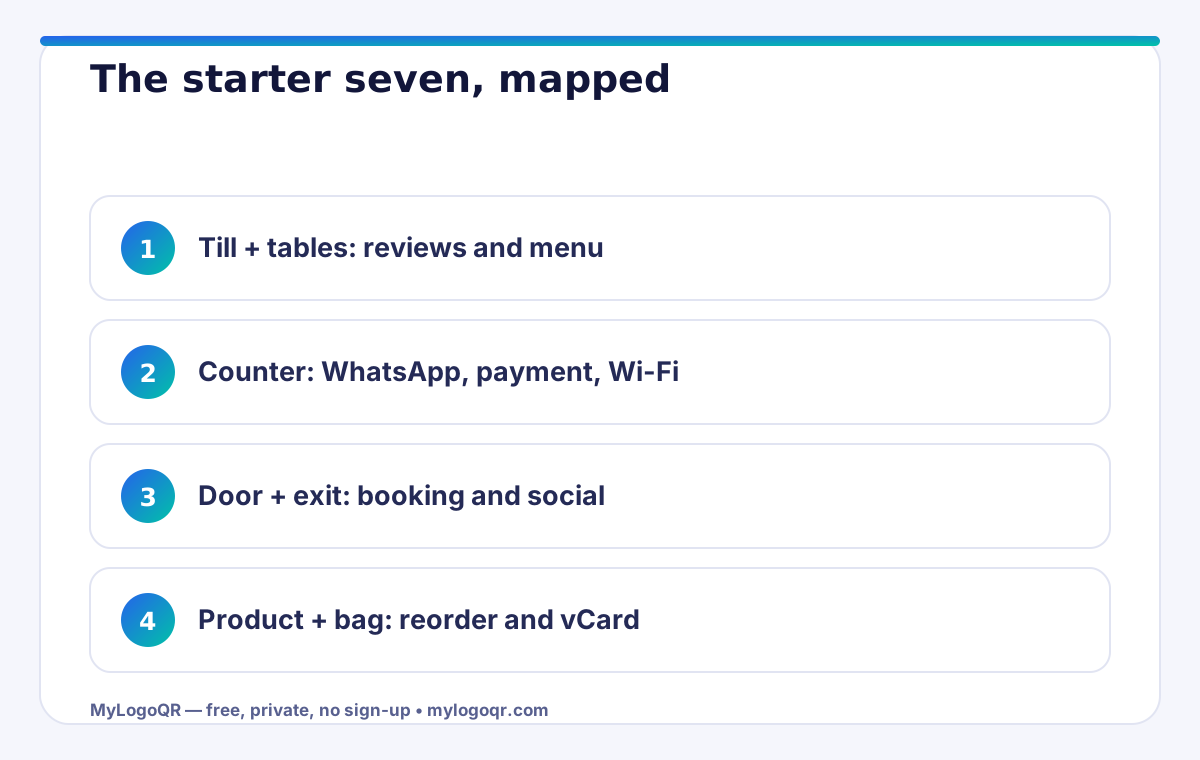
Start with the codes tied directly to revenue and reputation. One: the Google review code at the till, asking at the peak of satisfaction. Two: the menu, price list or catalogue code on tables, counters and windows. Three: the WhatsApp chat code, so questions become conversations instead of abandoned phone calls. Four: the guest Wi-Fi code, the hospitality signal guests photograph and share. Five: the payment or booking code that removes queue friction. Six: the social profile code that turns a visit into a follow. Seven: the vCard code that puts your number in the customer's phone before they leave.
Every one of these is free to generate from the full set of QR code generators, and each takes minutes. The discipline is not technical; it is editorial — one job per code, one clear line of text beside it, and a destination page that loads fast and answers immediately.
Placement is the strategy
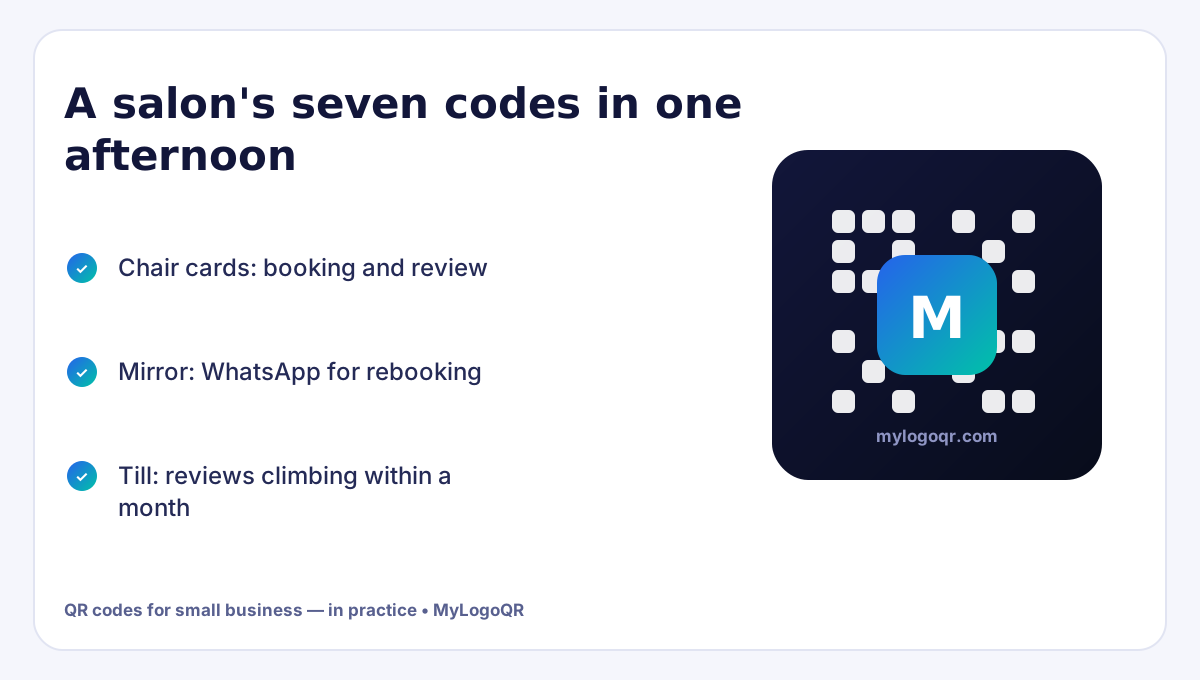
Identical codes succeed or fail purely on furniture. Map your customer's journey through the premises and put codes at the pauses: the door (opening hours, booking), the counter (WhatsApp, payment), the table or chair (menu, Wi-Fi, review), the product itself (instructions, reorder, registration), the exit (review, social) and the bag or box (reorder, support, review). A code at each pause with wording matched to that moment outperforms a single poster by the door that tries to say everything.
- Door: hours + booking code for passers-by deciding
- Counter: WhatsApp and payment where queues form
- Seating: menu, Wi-Fi and review where phones are already out
- Product/bag: reorder and support for the after-visit moment

Design rules that keep it professional
Customers judge codes like signage: a sloppy code suggests a sloppy business. Use your logo and brand colours on every code so the whole set reads as one designed system. Print at sane sizes (3 cm+ for anything beyond arm's length), keep finishes matte, and pair each code with its promise in five words — 'Scan for today's menu', 'Scan to chat on WhatsApp', 'Scan to join our Wi-Fi'. Never print a code without its promise line; a naked code is a riddle, and customers do not solve riddles for businesses.
Keep one master register — a simple note of each code, its destination and where it is placed. Businesses outgrow memory quickly, and the register is what makes updating a menu link or replacing a damaged sign a two-minute job instead of an archaeology project.

Measure lightly, improve monthly
You do not need a dashboard to learn from codes. Use a different code per placement (free with static codes) and let destinations carry the signal: menu page views by table code, WhatsApp openers that name their surface, review counts by till versus table. Once a month, spend fifteen minutes on three questions: which code earned the most action, which earned none, and what will move or be reworded before next month. That small ritual converts QR codes from decoration into a channel you manage like any other.
Resist expanding the set until the starter seven are placed, worded and measured. Depth beats breadth: seven codes doing real work will outperform twenty codes scattered hopefully — and they will teach you exactly which eighth code your customers actually need.
Related Technical Guides
Frequently asked questions
How many QR codes does a small business actually need?
Seven cover nearly everything: reviews, menu/catalogue, WhatsApp, Wi-Fi, payment or booking, social follow and your vCard contact. Add more only when a specific customer moment demands it.
What is the biggest QR code mistake small businesses make?
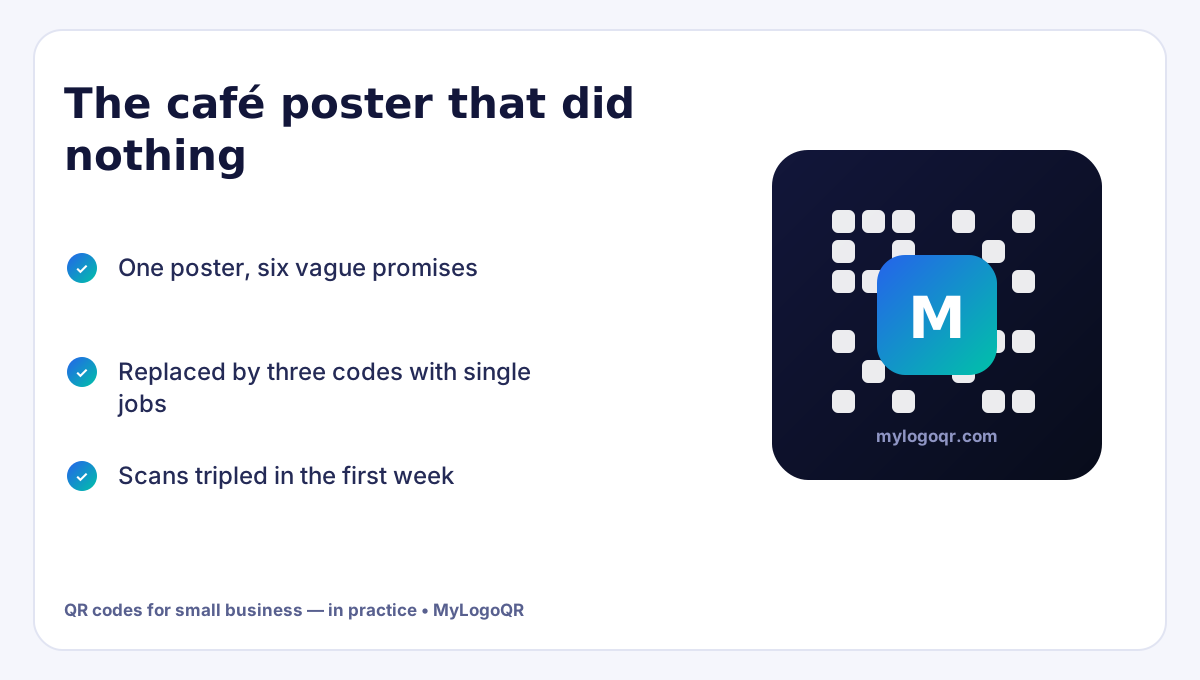
Printing a code with no promise line and no clear job, pointing at a slow or generic page. One code, one job, one five-word promise beats a busy poster every time.
Do QR codes cost money for a business?
Static QR codes are free to generate and never expire, so the only cost is printing. Avoid subscription dynamic codes for permanent fixtures like menus and signage.