QR Codes for Google Forms: More Responses from Surveys, Feedback & Events
Every survey dies the same death: a long URL nobody types. A QR code for Google Forms removes the typing entirely — the poster, table card or slide becomes the survey. This guide covers the link setup, placement and wording that turn scans into completed responses.

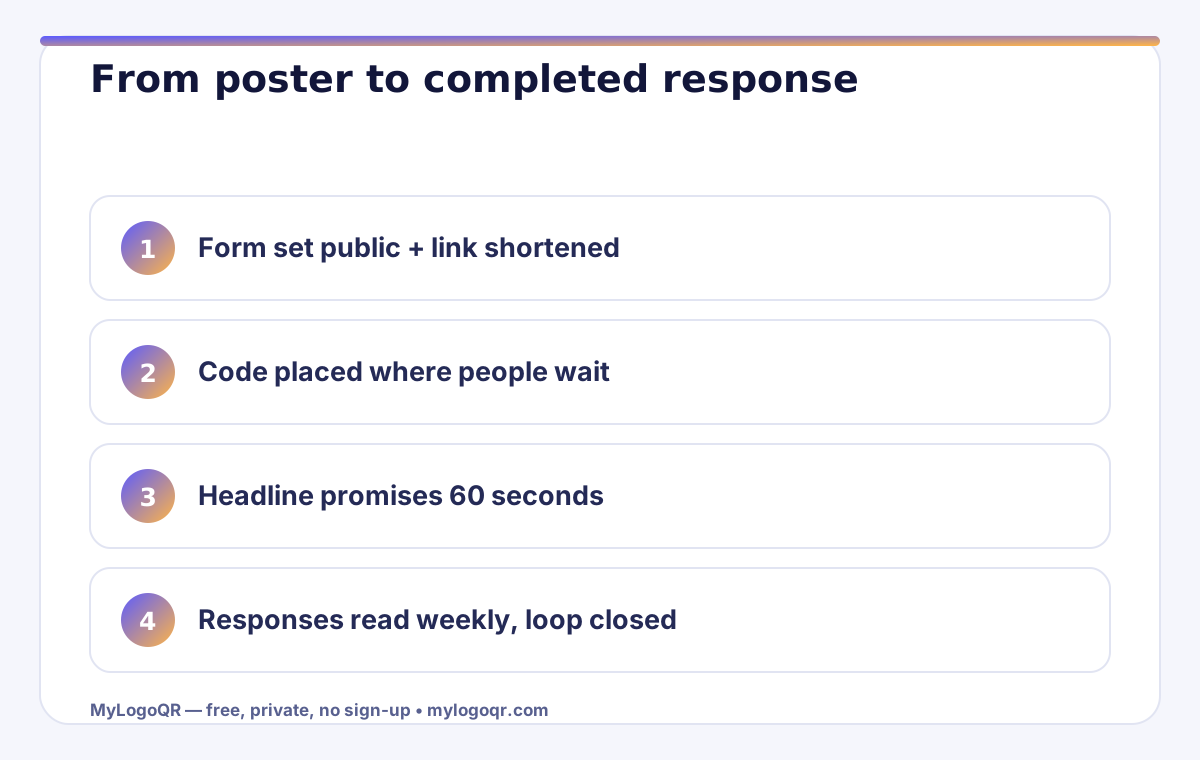
- Shorten the form link and set it to 'anyone can respond' before generating the code.
- Place codes in dwell time — tables, waiting areas, final slides — where completion actually happens.
- Promise the time and the benefit beside the code; state anonymity when it applies.
- Read results weekly and close the loop publicly to grow the next response rate.
Build the form link the right way first
In Google Forms, use the Send button and take the link — then tick 'Shorten URL' so the code stays low-density and scans fast. Test the short link in a private browser window before generating anything: if it asks for a sign-in, your form is restricted to your organisation, and the public will hit a wall after scanning. Set the form to 'Anyone with the link can respond' unless you genuinely need authenticated responses, and turn off 'limit to 1 response' for public feedback — it demands sign-in and quietly halves completion.
Then generate the code with the Google Forms QR code generator. Because the shortened link is compact, the code stays sparse and forgiving — it will scan at small sizes and in the poor light of corridors and conference halls.
Placement: where forms get completed, not just scanned
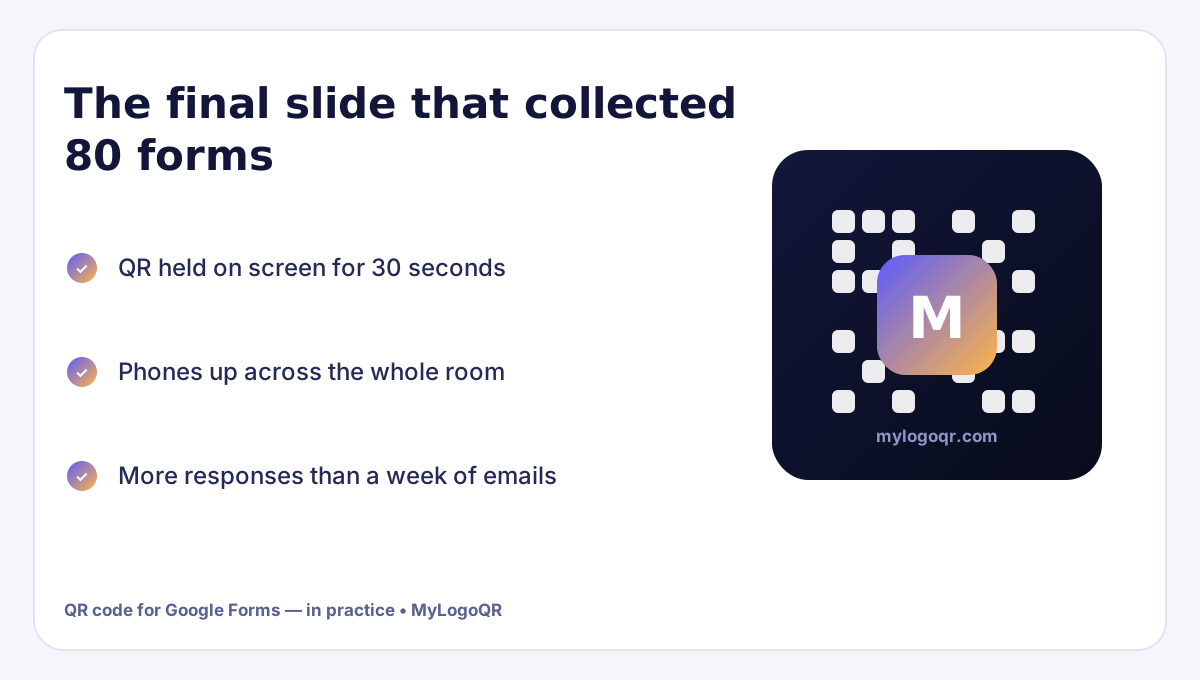
Responses are completed in dwell time — the minutes people spend waiting, sitting or queuing. Place feedback codes where the experience just happened and time is available: restaurant tables after the meal, clinic and salon waiting areas, the back of event seats, classroom doors at the end of a lesson, and the final slide of a presentation held on screen. Registration forms belong at the decision point instead: posters, community boards, shop windows and the top of the email that announces the event.
- One code per location — responses can be compared by placement
- The code is paired with the form's single most important question as the headline
- A paper alternative exists for anyone without a phone
- The form itself takes under two minutes — test it honestly
Wording that doubles response rates
Nobody scans 'Survey'. People scan outcomes and time promises: 'Tell us in 60 seconds', 'Vote for the next menu', 'Register — 4 questions'. State the time, the benefit and the number of questions, and put that text in the code's frame or the line beneath it. Anonymity is the second lever: if the form is anonymous, say so in words — 'Anonymous — no name, no email' visibly lifts completion on staff and customer feedback alike.
Close the loop publicly afterwards. A small sign or post — 'You said the queue was slow; we added a second till' — teaches people that responses change things, and the next survey's response rate is built by how the last one was answered.
Reading the responses like an operator
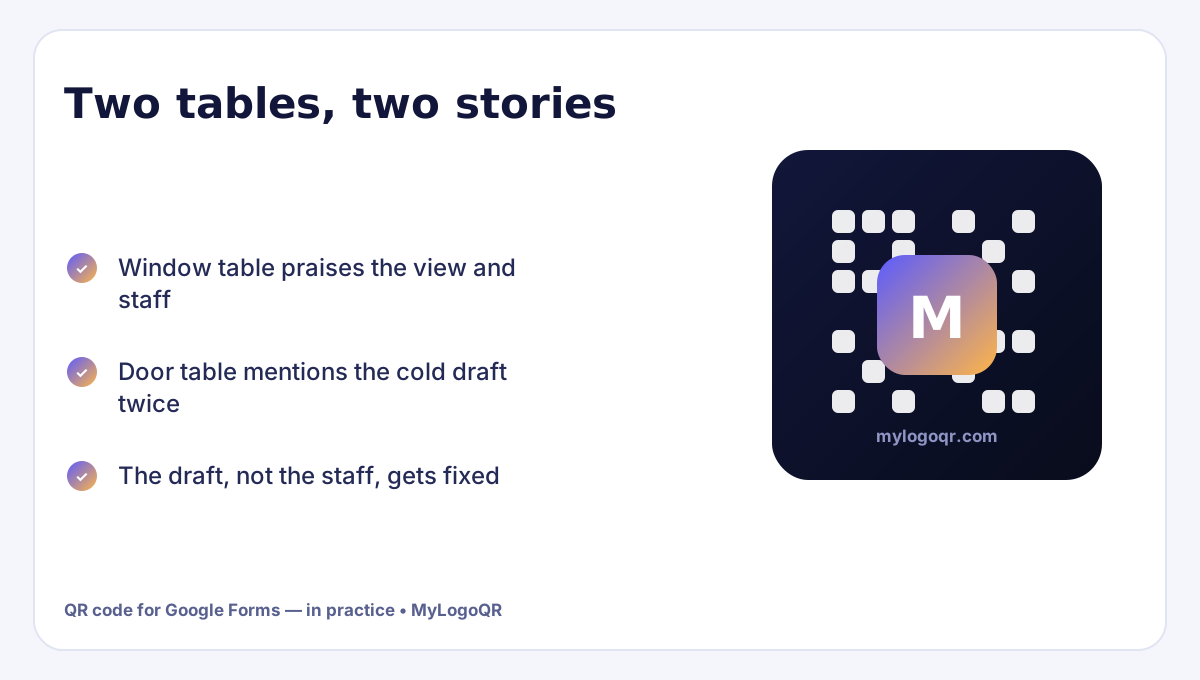
Connect the form to its spreadsheet and read results weekly, not at the end. Sort free-text answers by the words that repeat; three mentions of the same friction is a work order, not an opinion. If you used one code per location, add a hidden 'source' question or duplicate the form per location so placement quality is measurable — the table that produces complaints and the table that produces praise are telling you different things about the room.
And keep the code alive only while the form is open. A scanned code that lands on a closed form teaches people your codes waste their time; when a campaign ends, point the placement at the next form or take the card down the same day.
Related Technical Guides
Frequently asked questions
How do I make a QR code for a Google Form?
Open the form, click Send, copy the (shortened) link, and paste it into a QR code generator. Check the form is set to 'Anyone with the link can respond' so scanners are not blocked by a sign-in wall.
Can I track which location a response came from?
Yes — generate a separate code per location pointing to per-location copies of the form, or add a 'where are you?' question. Separate codes cost nothing with static generators.
Why are people scanning but not completing my form?
Usually length or a sign-in wall. Count the questions honestly, remove the sign-in requirement for public forms, and promise the completion time next to the code.