What Size Should a QR Code Be? The Complete Size Chart for Print & Screen
QR code size is the most underrated variable in scanning success. Too small and cameras cannot focus; too dense and modules blur together. This guide gives you the one rule that governs everything — scanning distance divided by ten — plus a size chart for every common use.

- Size = scanning distance ÷ 10, then add 25-50% margin for real conditions.
- Practical minimum is 2 cm for hand-held print; badges want 3.5-4 cm.
- Dense codes (long data) need bigger sizes — shorten the payload first.
- Quiet zone and 300 DPI/SVG are part of the size, not extras.

The 10:1 rule: size follows scanning distance
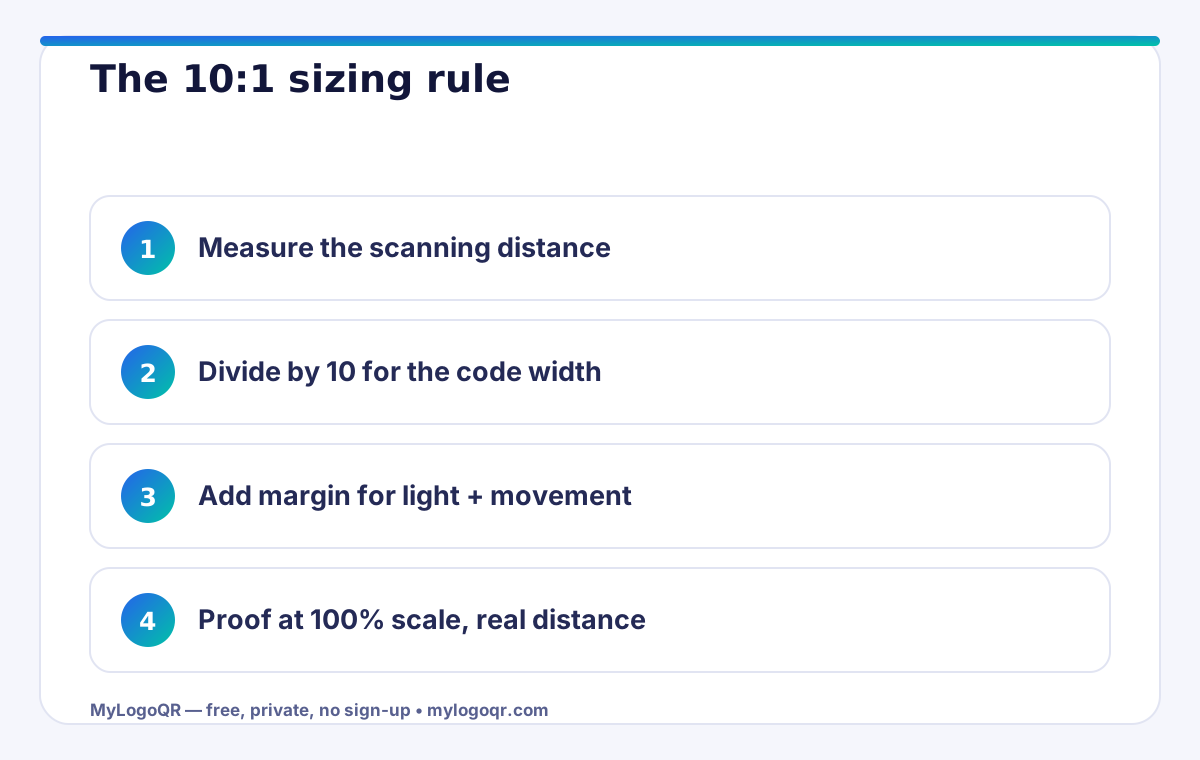
Every sizing decision starts from one ratio: a QR code should be at least one tenth of the distance from which it will be scanned. A code scanned from 30 cm (a phone in hand) needs about 3 cm of width; a poster scanned from 2 metres needs about 20 cm; a billboard scanned from 30 metres needs about 3 metres. The rule works because phone cameras resolve a pattern by its angular size — the code must occupy enough of the frame for the scanner to find and decode it.
Apply the rule generously. It assumes decent light, a steady hand and a modern phone. Add 25-50% for outdoor glare, moving viewers (vehicles, walking past a window) or an older-phone audience, and your codes will feel effortless instead of borderline.

The size chart: minimum and recommended sizes by use
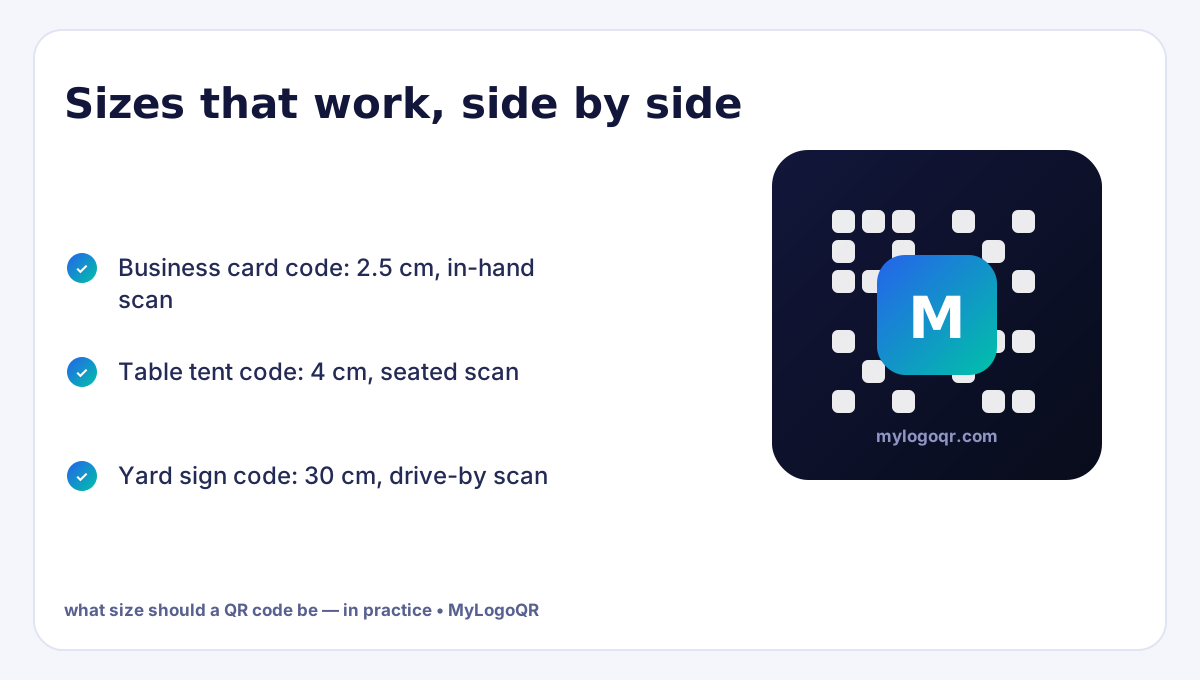
Business cards and vCard codes: 2 cm minimum, 2.5 cm recommended — scanned in hand at close range. Flyers, menus and table tents: 3 cm minimum, 4 cm comfortable. Product packaging: 2.5-3 cm for hand scanning, 3.5 cm+ when the pack will be scanned on a shelf. Posters and window signs: 15-25 cm depending on pavement distance. Event badges: 3.5-4 cm, because door scanning is fast, angled and in mixed light. Vehicle livery and yard signs: 25-40 cm for drive-by distances.
Screens follow the same physics in pixels: never display a code below about 150x150 px, use 300x300 px or more on slides and streams, and keep the code on screen long enough — ten unhurried seconds — for the audience to aim. Generate at high resolution with the QR code generator and scale down, never up.

Density: why data length changes the minimum size
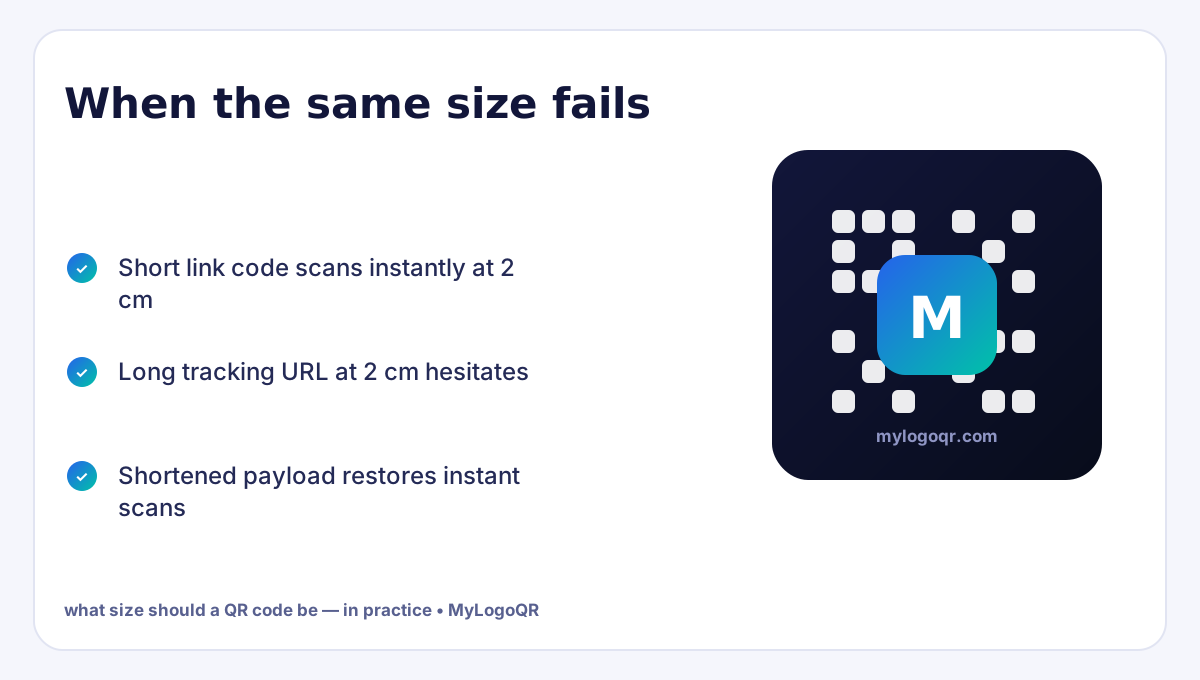
A QR code holding a short link may have 25-33 modules per side; a long URL with tracking parameters, or a vCard with many fields, can push past 100. Same physical size, far smaller modules — and small modules are what cameras struggle with. This is why two codes of identical dimensions can behave completely differently: the dense one effectively needs to be bigger. Keep payloads short — clean short URLs, essential vCard fields only — and every size in the chart above gains safety margin for free.
- Shorten long URLs before generating — drop tracking parameters from print codes
- Keep vCard payloads to the fields phones save cleanly
- If the data cannot shrink, grow the print size instead
- Re-check the chart size whenever the destination changes to a longer link

The quiet zone and DPI: the two silent size killers
The chart sizes assume the full pattern including its quiet zone — the empty margin of four modules around the code. A 3 cm code squeezed into a 3 cm space with artwork touching its edges is functionally smaller than a 2.5 cm code with breathing room, because the scanner cannot locate the pattern. Always budget the quiet zone inside your stated size. Print resolution matters the same way: supply vector SVG so modules stay razor sharp at any size; a raster PNG must carry at least 300 DPI at final size, or its edges soften exactly like a smaller code.
Finish with the only test that counts: print at 100% scale, place the piece where it will live, and scan from the real distance with a mid-range phone. Charts start the decision; the physical proof finishes it.
Related Technical Guides
Frequently asked questions
What is the absolute minimum size for a QR code?
About 1 x 1 cm for a very short payload scanned at close range in perfect conditions — but the practical minimum for reliable real-world scanning is 2 x 2 cm. Design for the practical number.
How big should a QR code be on a poster?
Use the 10:1 rule: divide the expected scanning distance by ten. A poster read from 2 metres needs a code of roughly 20 cm; add margin for glare and movement.
Does a QR code with more data need to be bigger?
Yes. More data means more, smaller modules at the same physical size. Either shorten the payload or increase the printed size to keep modules resolvable.