
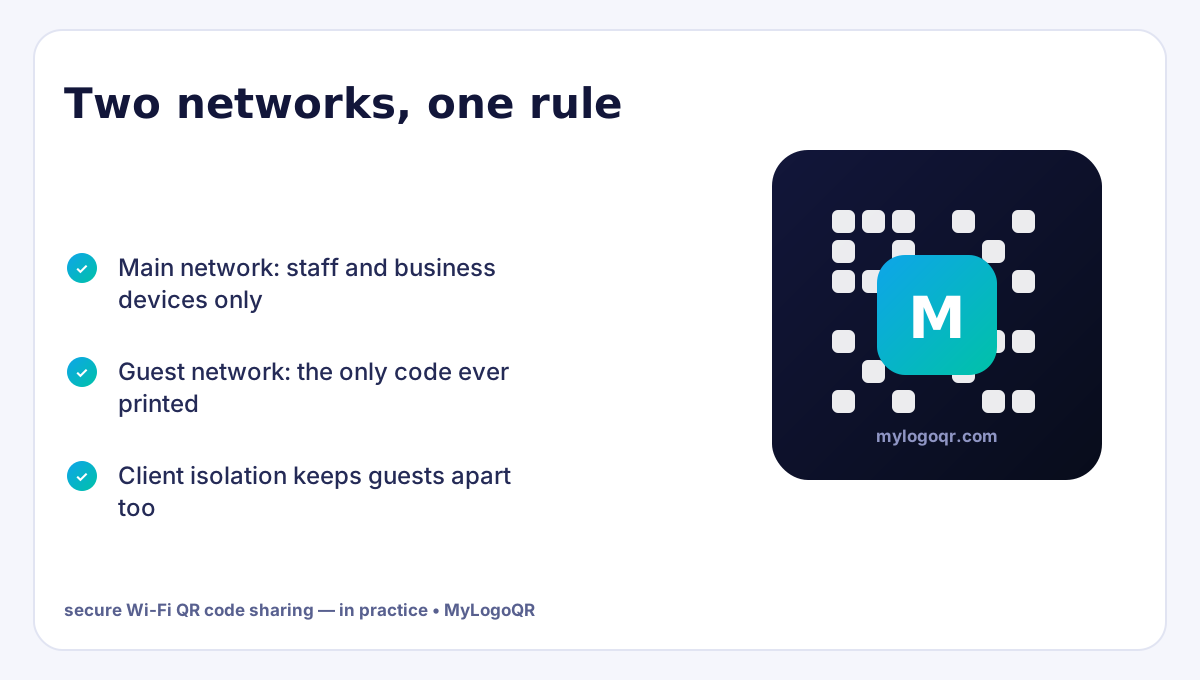
- A Wi-Fi QR code should only ever point guests at the guest network — never the main or work network.
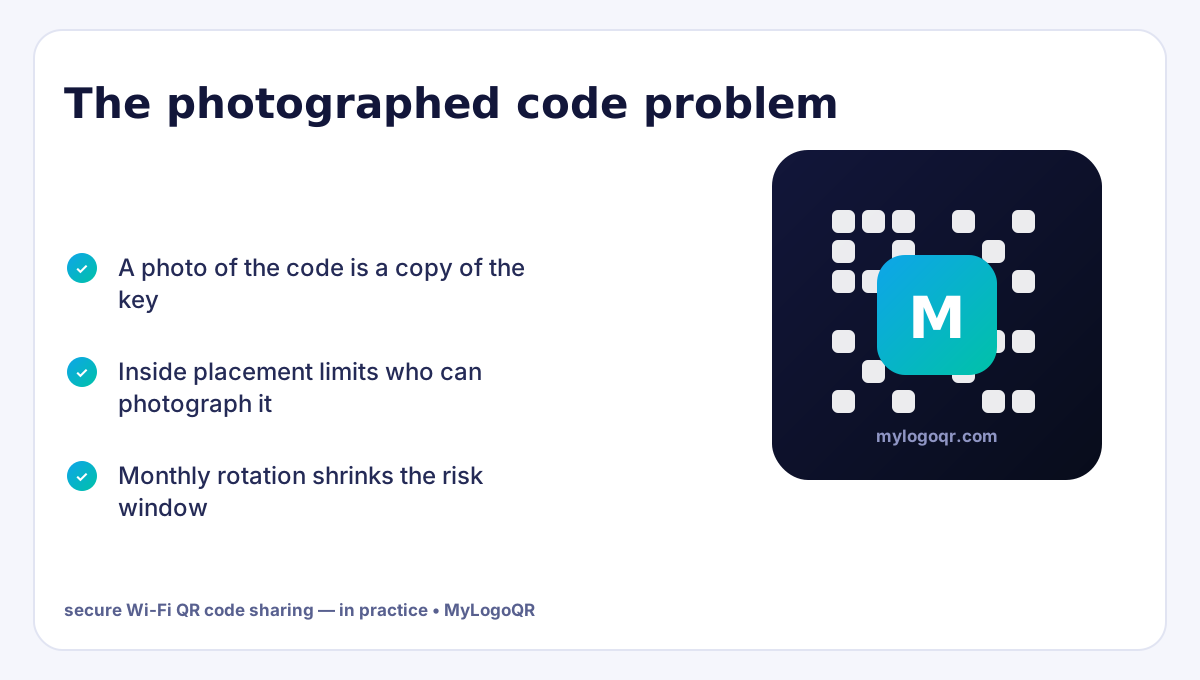
- The code reveals the password to anyone who photographs it, so place and rotate it like a key.
- WPA2/WPA3 with a strong guest password plus network isolation is the complete security package.
- Rotate the guest password on a schedule; reprinting one code is cheaper than one breach.

The Ubiquitous Vulnerability: Sticky Notes on the Counter
In countless coffee shops, shared workspaces, dental clinics, and corporate headquarters, a handwritten sticky note or chalk sign proudly proclaims the Wi-Fi credentials: SSID: Company_Guest / Pass: Summer2026!. This seemingly harmless convenience creates a cluster of severe operational and security liabilities.
From an operational standpoint, staff waste cumulative hours each week deciphering handwritten passwords for frustrated visitors. From an information security perspective, exposing raw alphanumeric passwords leads to credential reuse attacks, unauthorized neighbor tethering, and potential network eavesdropping.
Deep Dive into the IEEE 802.11 Wi-Fi URI Protocol Syntax
Unlike standard website URLs that begin with https://, mobile operating systems recognize a special URI scheme dedicated to wireless network association: the WIFI: protocol string.
Standardized Syntax Structure
Supports
WPA (encompassing WPA2/WPA3 Personal), WEP (legacy), or nopass for open captive networks.
The case-sensitive broadcast name of the wireless access point.
The encryption passkey. Special characters like semicolons and backslashes must be escaped with a leading backslash.
Boolean flag (
true or false) instructing mobile antenna radios to send active probe requests for hidden SSIDs.
Why Scanning a QR Code Is Cryptographically Superior to Typing
When an employee or patron types a 24-character complex password manually on their phone, human nature forces network administrators to compromise: they select short, memorable, dictionary-based passwords like CoffeeShop2026!. These short passwords are exceptionally vulnerable to offline dictionary brute-force attacks via packet-sniffing tools like Wireshark and Aircrack-ng.
When you transition to Wi-Fi QR codes, human typing limitations vanish. You can configure your router with a maximum-entropy, 63-character random alphanumeric string containing symbols and numbers: F9#mK@89$xLp!21zQv90_kLmN.... Because neither your employees nor your visitors ever have to type or memorize this string, you achieve maximum theoretical WPA3 encryption strength with zero user friction.

How to Properly Configure an Isolated Guest VLAN for Visitors
Generating a Wi-Fi QR code is only half the battle. To guarantee enterprise-grade security, follow this 4-step deployment checklist on your network router or UniFi / Omada controller:
Create a Dedicated Virtual LAN (VLAN ID 20)
Isolate visitor traffic to a separate subnet (e.g. 192.168.20.0/24) distinct from your primary office management network (192.168.1.0/24).
Enable Client Isolation (AP Isolation)
This prevents connected guest devices from communicating with one another, neutralizing local ARP cache poisoning and malware broadcast worms.
Enforce Bandwidth Rate Limiting
Cap individual visitor throughput (e.g., 20 Mbps download / 5 Mbps upload) so heavy 4K streaming or torrent downloads cannot choke your business VoIP and POS systems.
Export High-Resolution Vector Print Assets
Use our SVG vector export to print crisp signage on acrylic display blocks or metal stands. Unlike raster PNGs, scalable vector prints never blur or degrade under close smartphone lens inspection.
Why Wi-Fi QR Codes Are More Secure Than Handwritten Passwords
Writing your Wi-Fi password on a chalkboard or sticky note invites social engineering, unauthorized piggybacking, and network credential leakage. A standardized Wi-Fi QR code uses the WIFI:S:SSID;T:WPA;P:Password;; protocol to transmit credentials directly to the device's network daemon without displaying the password in cleartext on the user's screen.
Enterprise Guest Network Best Practices
- Isolate Guest VLANs: Never encode your primary internal company LAN into a public QR code. Always assign the QR code to an isolated guest network with client isolation enabled.
- Rotate Passwords Quarterly: Because MyLogoQR generates static codes with zero subscription fees, updating and reprinting your acrylic desk stands takes under two minutes.
- Enforce WPA3 / WPA2-Personal: Avoid legacy WEP encryption, which can be cracked in under 60 seconds using packet sniffing tools.
📶 Generate a Secure Wi-Fi QR Code for Guests & Offices
Allow visitors to connect to your Wi-Fi instantly without typing long complex passwords. Supports WPA/WPA2/WPA3 and hidden networks. Generated 100% locally in your browser.
Build Wi-Fi QR Code →Related Technical Guides
Sharing the password without surrendering the network
Secure sharing is a set of small habits, not a product. Run a guest network with its own password and client isolation switched on, so a scanned code grants internet and nothing else — no sight of your till, printer or file shares. Put an expiry rhythm on it: rotate the guest password monthly (weekly for high-traffic venues) and treat reprinting the code as part of the same ten-minute job, using the free Wi-Fi QR code generator. Place codes only where guests belong, and never photograph your own code into public posts or review replies — a picture of the code is the password, published. The setup walkthrough lives in our Wi-Fi QR code setup guide.
Placement security: treating the QR code like the key it is
Secure Wi-Fi QR code sharing starts from one honest fact: the code is the password in a photographable form. Anyone who takes a picture of it owns your guest credentials until you rotate them. That does not make QR sharing unsafe — it makes placement a security decision. In a café, the code belongs where paying customers sit, not in the street-facing window. In an office, it belongs in the meeting room, not the lobby that visitors photograph through. In a holiday rental, it belongs inside the welcome book, and the password rotates between longer stays. Generate the code with the Wi-Fi QR code generator for the guest SSID only, and the convenience stays exactly where you intended it.
Rotation completes the model. A guest password changed monthly (homes and rentals) or quarterly (small offices) bounds the damage from any photograph to a short window — and because reprinting is one sheet of paper, there is no excuse for the password from 2023 still guarding the network.
Guest network settings that make sharing genuinely safe
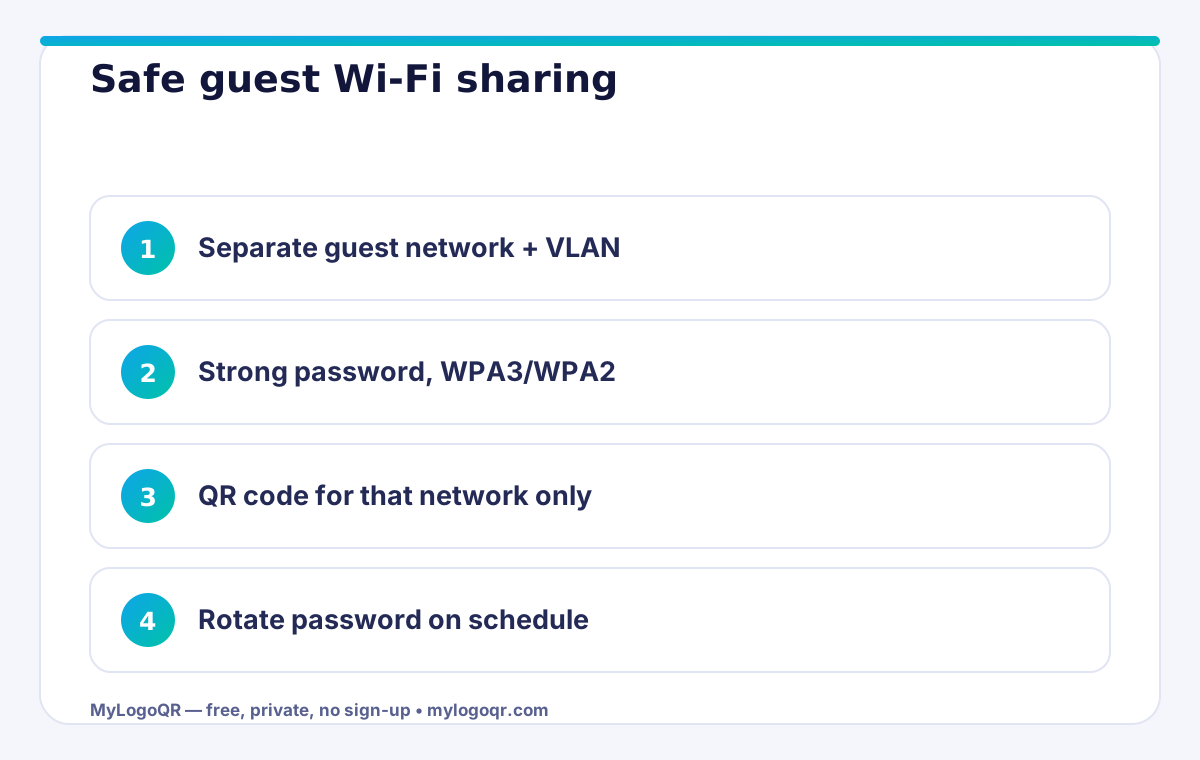
The QR code is only the delivery mechanism; the network design underneath is the actual security. Four settings do nearly all of the work.
- Client isolation ON, so guests cannot see each other or your devices
- Guest network on its own VLAN or subnet, away from work machines and storage
- WPA3 where devices support it, WPA2-AES as the fallback — never WEP or open
- Bandwidth limit on the guest SSID, so one heavy guest cannot starve the business
With those four in place, sharing the guest code freely stops being a risk decision at all: the worst a photographed code grants is temporary, isolated internet access — which is precisely what you meant to offer.
Frequently asked questions
Can someone extract my Wi-Fi password from the QR code?
Yes — anyone who scans it can read the credentials inside. That is why the code must always belong to a guest network, never your private or business systems network.
How often should I change the guest Wi-Fi password?
Monthly is a sensible rhythm for most venues, weekly for very high-traffic ones. Reprint the QR code the same day so old codes stop working immediately.
Is a Wi-Fi QR code safer than telling guests the password?
It is safer in practice: no shouting passwords across a room, no password on a whiteboard photographed by strangers, and rotation is one reprint instead of re-teaching every regular.
Can someone extract my Wi-Fi password from the QR code?
Yes — the password is encoded in the code, and scanning apps can display it. That is why the code must only ever encode a guest network password that you rotate periodically.
Is it safe to put a Wi-Fi QR code in a shop window?
It is safe for the network only if the code is for an isolated guest network — but the window invites use by people outside your premises. Inside placement near seating is the better default.